
Olympia Australia Support and Customer Service
Olympia customer support is available around the clock to assist Australian users with account questions, payment concerns, and general enquiries. The support team can be reached via live chat, email, phone, and messaging platforms, with English available as a primary communication language. Response times vary by channel, with live chat typically delivering the fastest assistance and email suited to more detailed or non-urgent requests.

Live Chat Support
Live chat is the fastest way to reach the Olympia support team for immediate assistance. It is accessible directly through the website and mobile app, with agents available 24 hours a day, 7 days a week.
How to Access Live Chat
The chat icon appears in the bottom corner of the Olympia website and within the app interface. Users click the icon, select a topic if prompted, and are connected to a support agent. English is supported for Australian users.
Best Use Cases for Live Chat
Live chat is best suited for:
- Account access issues requiring fast resolution;
- Bonus and promotion clarification;
- Deposit and withdrawal status queries;
- General account and navigation questions;
- Verification process guidance.
Expected Response Times
Live chat connections are typically established within one to three minutes during standard hours. Response times may extend slightly during high-traffic periods.
Tips for Faster Live Chat Assistance
- Have your registered email address and account username ready before starting the chat;
- Select the most relevant topic category at the start of the session;
- Describe the issue clearly and include any relevant reference numbers;
- Avoid switching browser tabs or closing the chat window mid-session;
- Use the desktop site for the most stable chat experience.

Email Support
Email is the recommended channel for non-urgent enquiries, formal requests, and matters that require documentation. The Olympia customer service team responds to emails in English and handles a wide range of account-related topics.
How to Send an Email
Users can direct their enquiries to the official Olympia support email address listed on the contact page of the website. Each message should include the account username or registered email, a clear subject line, and a detailed description of the issue.
Best Use Cases for Email
Email support is best suited for:
- Identity verification and document submission;
- Formal complaints and dispute escalations;
- Bonus and promotion clarification that requires a written record;
- Account closure or self-exclusion requests;
- Billing and transaction history queries.
Expected Response Times
The Olympia support team typically responds to emails within 24 to 48 hours. Complex or compliance-related requests may take longer depending on the documentation required.
Tips for Faster Email Responses
- Use a clear and specific subject line, such as "Withdrawal Delay – Account [Username]";
- Include your registered email address and account ID in the body of the message;
- Attach screenshots or documents where relevant;
- Send from the email address registered to the account;
- Avoid sending duplicate messages, as this may delay the queue.
Phone Support
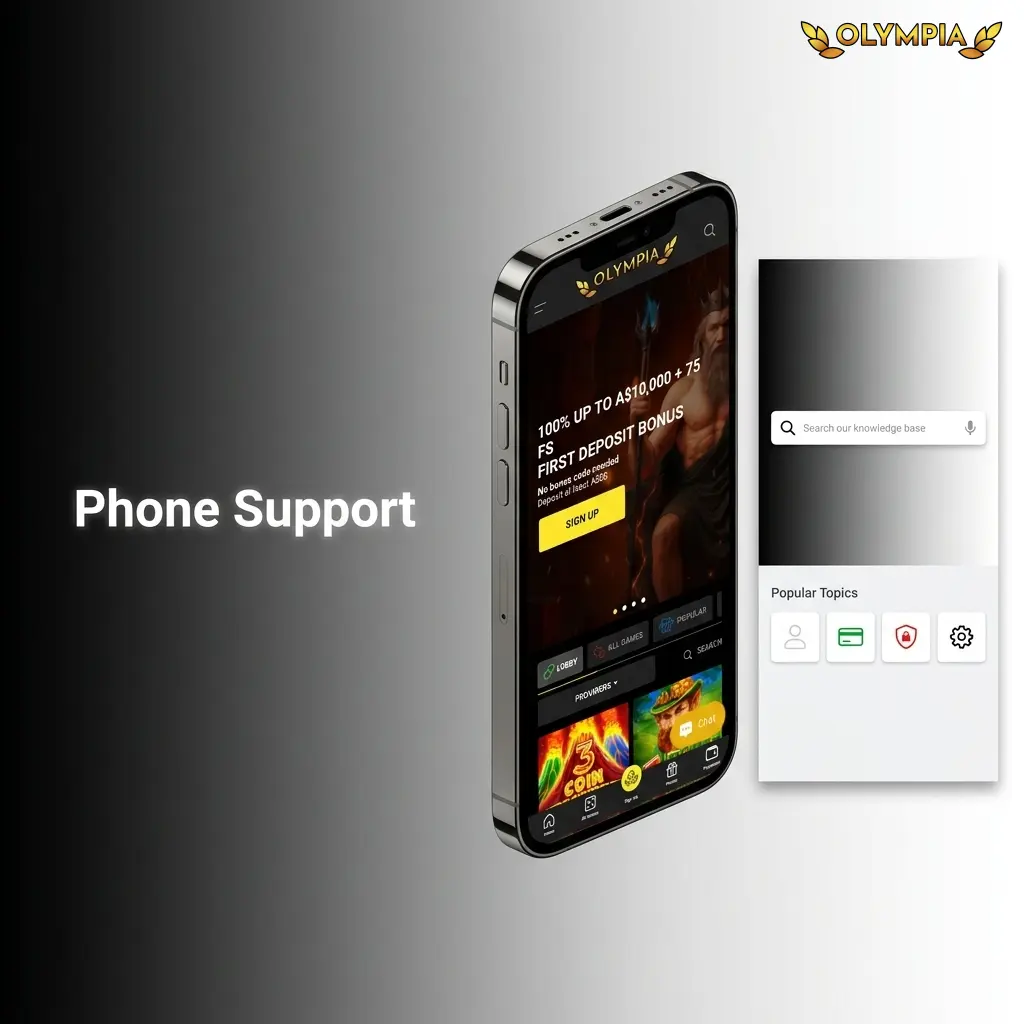
Olympia provides a phone helpline for users who prefer direct verbal communication with a support agent. This channel is particularly effective for urgent or sensitive matters that benefit from real-time conversation.
How Phone Support Works
Users can call the Olympia helpline number listed on the official contact page. Upon connecting, callers may be directed to an automated menu before being transferred to a live agent. English is the primary language of service for Australian callers.
Best Use Cases for Phone Support
Phone support is most effective for:
- Urgent account security concerns, including suspected unauthorised access;
- Time-sensitive payment disputes;
- Complex account issues that are difficult to resolve via text-based channels;
- Identity verification follow-ups;
- Responsible gambling enquiries requiring immediate guidance.
Contact Information and Operating Hours
The current helpline number and operating hours for Australian users are listed on the official Olympia contact page. Users are advised to check the website for the most up-to-date information, including any region-specific or toll-free numbers.
Expected Response Times
Call wait times are typically short during standard business hours. Longer wait times may occur during peak periods or following major sporting events.
Tips for Faster Phone Support
- Call during off-peak hours, such as mid-morning on weekdays;
- Have your account username, registered email, and relevant transaction details ready;
- Note any error messages or reference numbers before calling;
- Use a stable phone connection to avoid dropped calls;
- Request a case reference number at the end of the call for follow-up.
Technical Support
A dedicated technical support pathway is available for users experiencing platform-specific issues that cannot be resolved through standard customer service channels. The Olympia technical support team handles a range of software, connectivity, and account-functionality issues.
How to Access Technical Support
Technical issues can be reported via live chat, the support email address, or by phone, as listed on the official Olympia contact page. Users should specify “technical issue” or the relevant category when making contact so the query is directed to the appropriate team.
Best Use Cases for Technical Support
Technical support covers issues such as:
- Login failures and password reset difficulties;
- App crashes, loading errors, or performance issues;
- Game malfunctions or interrupted sessions;
- Payment processing failures and transaction errors;
- Verification or document upload problems;
- Two-factor authentication issues.
Expected Resolution Times
Minor technical issues are often resolved during the initial contact session. More complex platform or payment issues may require escalation and can take 24 to 72 hours depending on the nature of the fault.
Tips for Faster Technical Resolution
- Capture a screenshot or screen recording of any error message before contacting support;
- Note the time, date, and game or page where the issue occurred;
- Include your device type, operating system version, and browser or app version;
- Clear the browser cache or restart the app before contacting the team, and report whether the issue persists;
- Provide your account username and any relevant transaction or session reference numbers.
VIP and Priority Support
Olympia offers dedicated priority support for eligible high-tier account holders, providing faster response times and personalised service. This channel is designed to meet the expectations of users with elevated activity levels on the platform.
How VIP Support Works
Eligible users are assigned access to priority support pathways, which may include a dedicated account manager, a priority chat queue, or a direct contact number. Access is typically granted automatically based on account activity and loyalty programme tier.
Who Qualifies for Priority Support
Priority support is generally available to:
- Users who have reached higher tiers within the Olympia loyalty or VIP programme;
- High-activity accounts with a consistent transaction history;
- Players invited to the VIP programme by the Olympia support team.
Best Use Cases for Priority Support
Priority channels are best used for:
- Time-sensitive withdrawal requests requiring expedited review;
- Personalised bonus and reward enquiries;
- Account management assistance beyond standard service scope;
- Dispute resolution requiring senior case handling;
- Exclusive promotional access and event invitations.
Expected Response Times
Priority support responses are typically faster than standard channels. Dedicated account managers aim to respond within a few hours, and in many cases sooner.
How to Maximise Priority Support Benefits
- Maintain consistent activity to retain VIP tier status;
- Use the dedicated contact details provided upon VIP enrolment rather than general channels;
- Keep account information updated to avoid verification delays;
- Contact your assigned account manager directly for personalised assistance;
- Review the VIP programme terms on the official Olympia website for full details on tier benefits and eligibility.
Updated:
Social Media and Messaging Support
Olympia maintains a presence on select social media and messaging platforms to support users with general enquiries and account guidance. These channels are best used for low-urgency questions and platform updates.
Available Platforms
Olympia customer service may be reachable through platforms such as Telegram, Facebook Messenger, and other messaging applications listed on the official website. Users should verify the correct handles and accounts directly on the Olympia contact page to avoid interacting with unofficial accounts.
Best Use Cases for Social Media and Messaging Support
These channels are suited for:
Expected Response Times
Response times via messaging platforms are typically within a few hours during active hours. Replies may not be immediate outside of standard support windows.
Tips for Effective Communication via Social Platforms